
Back to Course List
Mastering Excel 365 - Basics Part 1: Editing

- Product ID
- bbrnmeba1_vod
- Training Time ?
- 34 to 37 minutes
- Language(s)
- English
- Video Format
- High Definition
- Required Plugins
- None
- Number of Lessons
- 6
- Quiz Questions
- 3
- Question Feedback
- Wrong Answer Remediation
- Lesson Bookmarking
- Downloadable Resources
Overview
Microsoft Excel is a powerful tool for analyzing data. This training explores the basics of Microsoft Excel 365 editing.
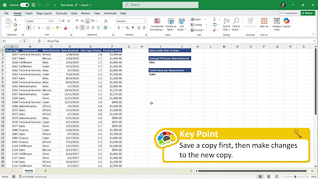
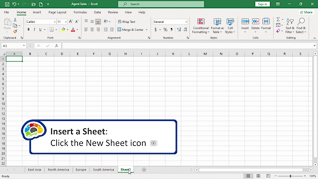
Viewers learn about the basics of editing in Microsoft Excel 365. This training demonstrates how to modify rows and columns. This training shows learners how to manage files and folders.
Microsoft Excel 365 helps users to have better access to necessary data. Use this course to educate employees about Microsoft Excel 365 editing.
 This course is in the Video On Demand format, to read about Video On Demand features click here.
- Full-screen video presentation
- Print certificate and wallet card
- You have 30 days to complete the course
Workplaces
Categories
Audience
Office workers
Topics
The course presents the following topical areas:
- Introduction
- Open And Save A Workbook
- Modifying Rows And Columns Part 1
- Modifying Rows And Columns Part 2
- Managing Worksheets Part 1
- Managing Worksheets Part 2
© Mastery Technologies, Inc.
