
Mastering Excel 365 - Beginner Part 2: Data Entry
- Product ID
- bbrnmebe2_vod
- Training Time ?
- 29 to 31 minutes
- Language(s)
- English
- Video Format
- High Definition
- Required Plugins
- None
- Number of Lessons
- 4
- Quiz Questions
- 2
- Question Feedback
- Wrong Answer Remediation
- Lesson Bookmarking
- Downloadable Resources
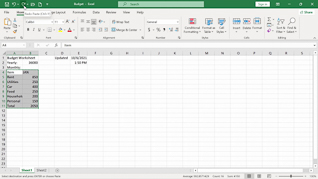

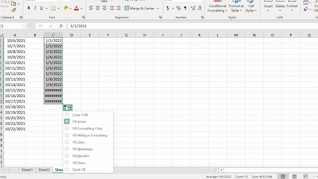
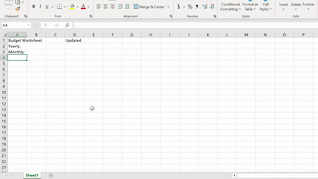
Excel 365 is used for everything from budgeting and task-tracking to sophisticated financial modeling. However, a beginner can get frustrated rather quickly when trying to learn Excel 365, which is why this beginner data entry course is so important.
This course opens by teaching users the three ways to create a new workbook by demonstrating how to create and build a basic budget worksheet. From showing Excel keyboard shortcuts and how to enter and place data in cells to using Autofill and how to get help, learners are shown the screen-by-screen experience they will have as they learn the time saving data entry productivity features of this foundational spreadsheet application.
Use this course to help employees become comfortable, proficient, and more productive with Excel 365.
 This course is in the Video On Demand format, to read about Video On Demand features click here.

- Full-screen video presentation
- Print certificate and wallet card
- You have 30 days to complete the course
Employees throughout the organization who are new to Excel 365
- Creating A New Workbook
- Entering Cell Data
- Using Autofill
- Getting Help
© Mastery Technologies, Inc.
