
Mastering Excel 365 - Beginner Part 5: Charts And Graphics
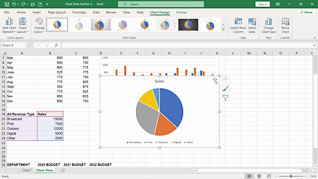
- Product ID
- bbrnmebe5_vod
- Training Time ?
- 9 to 10 minutes
- Language(s)
- English
- Video Format
- High Definition
- Required Plugins
- None
- Number of Lessons
- 2
- Quiz Questions
- 1
- Question Feedback
- Wrong Answer Remediation
- Lesson Bookmarking
- Downloadable Resources

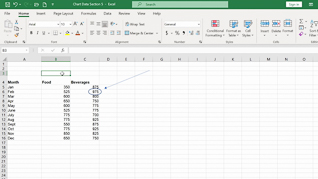

Visualizing data makes it easier to identify trends and communicate insights, which is why charts remain one of Excel’s most widely used features (Microsoft; GoSkills). This course teaches you how to create charts and insert graphics that make your spreadsheets more engaging and easier to understand.
You will learn how to present data visually, highlight key information, and build reports that are both professional and easy to interpret.
The result of this course is simple: clearer communication and more impactful spreadsheets.
 This course is in the Video On Demand format, to read about Video On Demand features click here.
- Full-screen video presentation
- Print certificate and wallet card
- You have 30 days to complete the course
The course is intended for anyone who wants to present spreadsheet data more effectively in Excel 365.
- Creating Charts
- Inserting Graphics
© Mastery Technologies, Inc.
