
Computer Safety: Computer Workstation Safety
- Product ID
- marccwsa_vod
- Training Time ?
- 17 to 24 minutes
- Language(s)
- English
- Video Format
- Standard Definition Wide
- Required Plugins
- None
- Number of Lessons
- 7
- Quiz Questions
- 7
- Question Feedback
- Wrong Answer Remediation
- Lesson Bookmarking
- Downloadable Resources

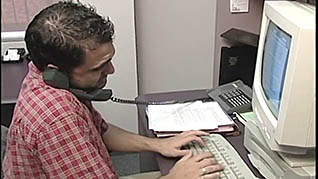
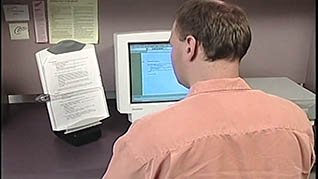
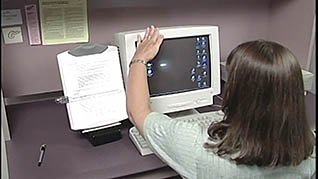
Millions of people regularly use computers in their workplace. Almost 20% of them experience pain or injury because of poor work habits and bad posture. This health and safety training video shows what you can do to reduce or eliminate computer-related injuries.
Repetitive motions, poor lighting, and bad posture lead to carpal tunnel syndrome, computer vision syndrome, and lower back pain. Viewers learn the importance of keeping the body in neutral positions, which are stress free postures. This course explains how to achieve neutral positions. It starts with sitting on a chair that's low enough to allow your feet to rest on the floor, since dangling feet puts stress on the lower back. This course demonstrates proper neutral body positions, lighting considerations, and exercises to help avoid injury.
Use this online training to help employees understand how improper use of a workspace can lead to computer-related injuries.
 This course is in the Video On Demand format, to read about Video On Demand features click here.

- Full-screen video presentation
- Print certificate and wallet card
- You have 30 days to complete the course
All employees who use a computer
- Introduction
- Work Area
- Neutral Positions
- Lighting
- Other Vision Factors
- Exercises
- Review
© Mastery Technologies, Inc.
