
Mastering Excel 365 - Basics Part 4: Charts And Tables
- Product ID
- bbrnmeba4_vod
- Training Time ?
- 24 to 27 minutes
- Language(s)
- English
- Video Format
- High Definition
- Required Plugins
- None
- Number of Lessons
- 4
- Quiz Questions
- 3
- Question Feedback
- Wrong Answer Remediation
- Lesson Bookmarking
- Downloadable Resources
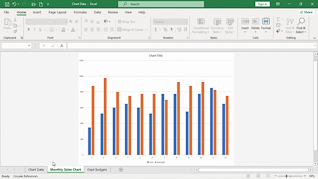
This online training course introduces Office 365 users to creating charts, tables, and PivotTables in Microsoft Excel 365. Users taking this course will learn how to organize and present data more effectively using Excel’s built-in tracking and reporting tools.
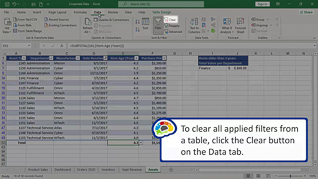
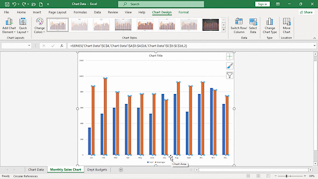
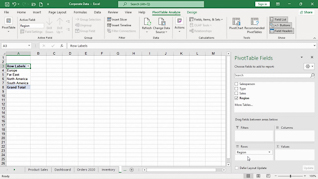
Throughout the course, learners see how to create and modify different chart types to display information clearly and professionally. The training also explains how to update chart source data, customize chart elements, and format tables for improved organization and readability. In addition, employees learn how to create PivotTables to quickly summarize, analyze, and interpret larger amounts of data.
By the end of the course, learners will have a better understanding of Excel 365’s charting and data analysis features and how to use them to create clear and accurate spreadsheets for everyday use.
 This course is in the Video On Demand format, to read about Video On Demand features click here.
- Full-screen video presentation
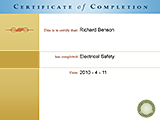
- Print certificate and wallet card
- You have 30 days to complete the course
Microsoft Office 365 Users
- Changing Chart Types
- Changing Chart Source Data
- Creating A Table
- Creating A PivotTable
© Mastery Technologies, Inc.
